Table of Contents
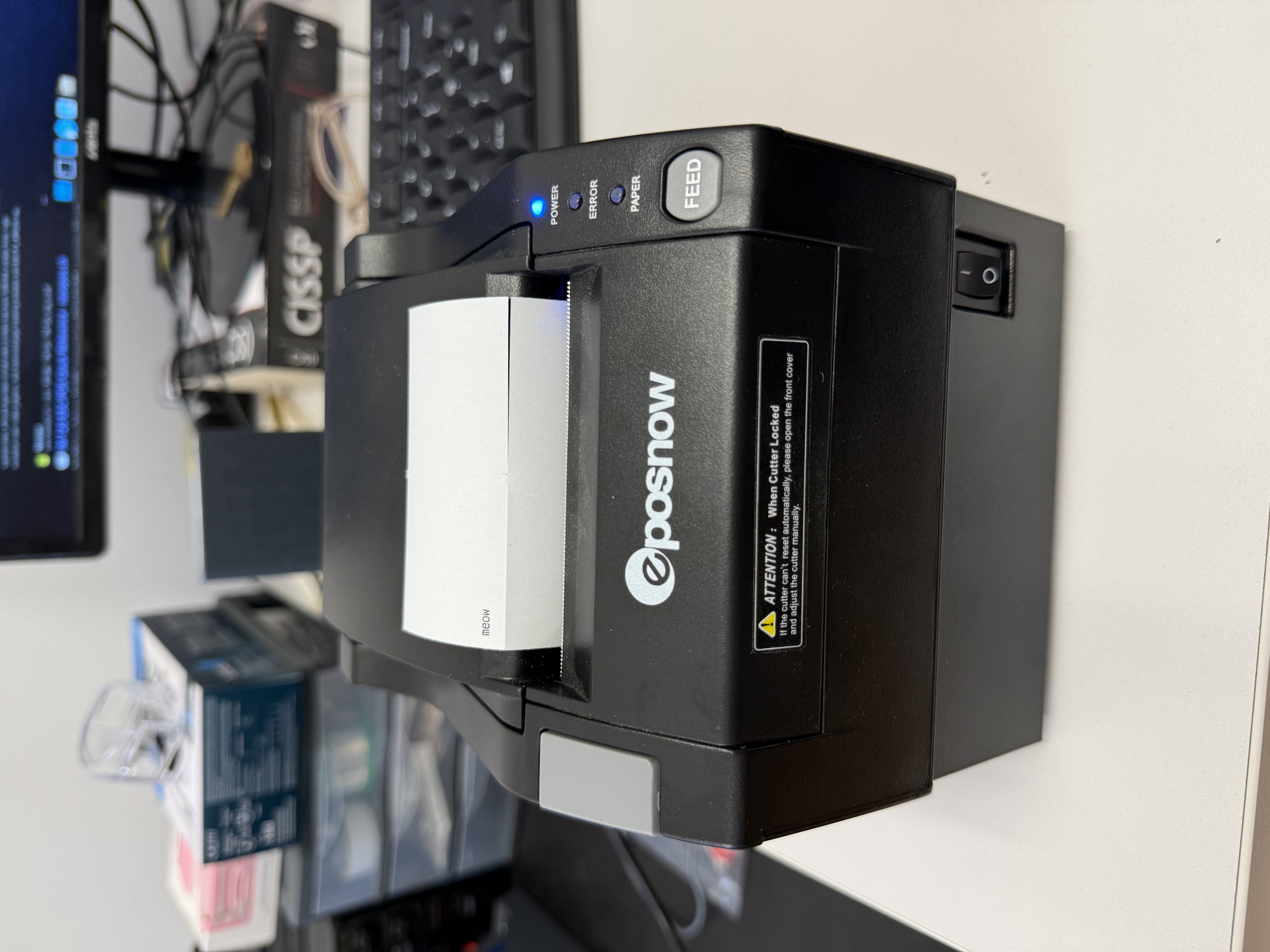
eposnow 80mm Thermal Printer
This is a general purpose thermal printer. A web interface is available from the hackerspace network at: http://paperjam.
You can communicate with it via USB, using ESC/POS. There's a good guide for setting it up here and a handy cheatsheet here.
Printing images
You can use png2pos (currently installed on the lab computer) to print images. The output can be directly piped to /dev/usb/lp0.
TODO: UTF-8 support
By default ESC/POS only supports the limited number of characters from PC437. Someone who would like to print non-PC437 (latin++) characters will need to switch the character set each time it is needed using ESC t (aka. \x1B\x74).
Python libraries such as python-escpos or py-xml-escpos could help do the conversion easily – if at all possible as some unicode characters might be outside the capabilities of ESC/POS, in which case, creating an image instead could be a solution.
One added difficulty is that the exact ESC/POS capabilities of our printer is unknown (kit-ty-kate: to my knowledge, no official datasheet for this machine exists), so the exact number of character set that it support will have to be detected manually by trial an error.